


Vodacom Student Data Deal
Only R69 for 10GB Anytime data and 20GB Night Owl time data.
Valid for 60 days
For more information please read below.
Welcome to the Vodacom Data Portal
Terms and Conditions
Please note that data requests will only be sent to Vodacom once a month. Due to volumes, requests for data must be completed by close of business (5pm) on the 23rd of each month. Failure to submit the below online form (and make payment) by this deadline will result in your request moving to the following month. Students may purchase data once per month, and each bundle will be valid for 60 days from the date the bundle is activated on your number. Vodacom will activate the data by the 2nd of the month following the month in which payment was made.
PLEASE NOTE: You must request data via this portal and make payment each time you want Vodacom data.
Procedure for students who HAVE an Vodacom sim card
- Pay R69 into your Boston Support Centre bank account, using your student number as your reference. (We will not be able to pick up your data payment if you do not use the correct reference)
- Complete the below online form that requires you to login using your @MyBoston.co.za account details. All fields are necessary for a successful data request.
Procedure for students who DO NOT HAVE an Vodacom sim card
- You need to purchase a Vodacom sim card. This can be done at a Vodacom Store or authorised retailer. You must also complete the relevant RICA and activation steps. Once this is done, you will then:
- Pay R69 into your Boston Support Centre bank account, using your student number as your reference. (We will not be able to pick up your data payment if you do not use the correct reference)
- Complete the below online form that requires you to login using your @MyBoston.co.za account details. All fields are necessary for a successful data request.
Procedure to login using your @MyBoston.co.za user account:
- All students are assigned email accounts @myboston.co.za
- The email address is your student number @myboston.co.za, e.g. [email protected]
- The email address can be accessed here: https://www.outlook.com/myboston.co.za or https://login.microsoftonline.com
- Your password is initially set to you ID/Passport number with an uppercase B before the number, and ! after the number, e.g. B1234567890!
- As soon as you log in for the first time you will be asked to:
- Change your password
- Provide a recovery telephone number, and
- Set answers to some security questions.
If you have any queries, please email your query to [email protected].
Access the online form here:
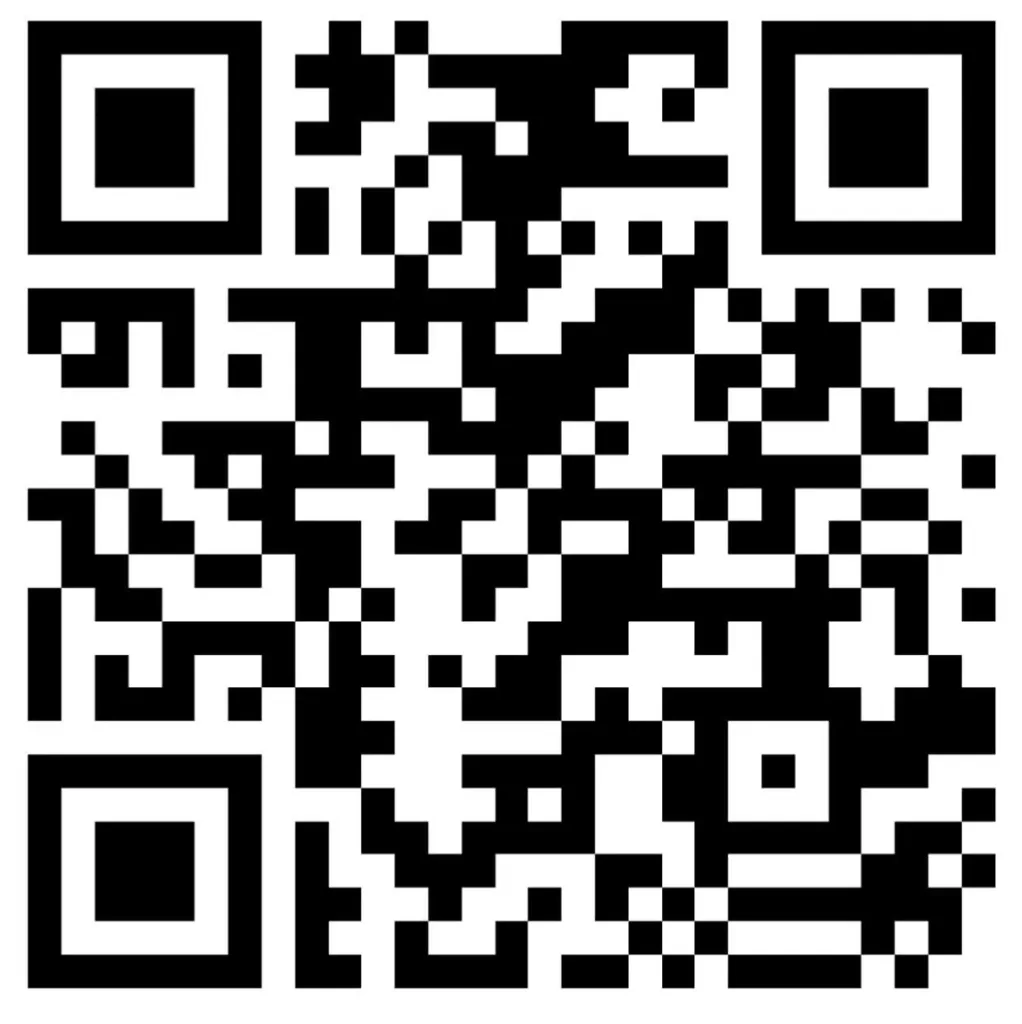
Scan with your phone or: